Aircraft
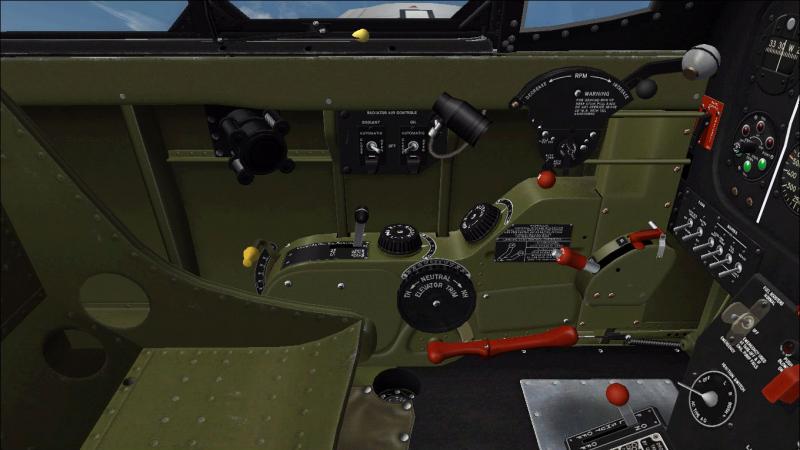
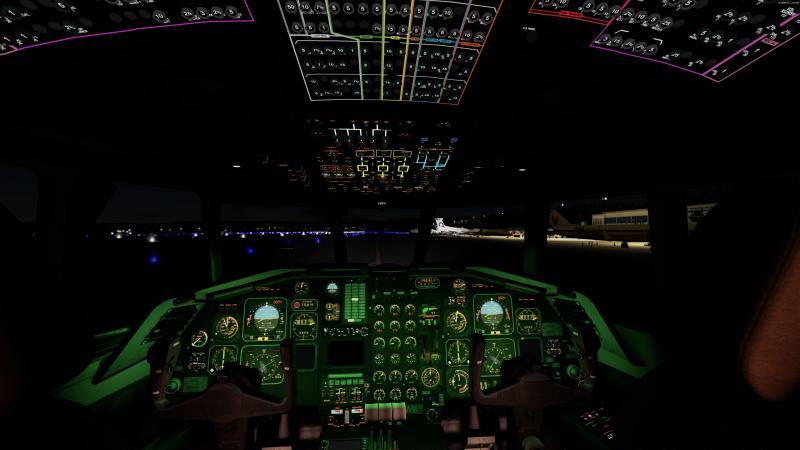
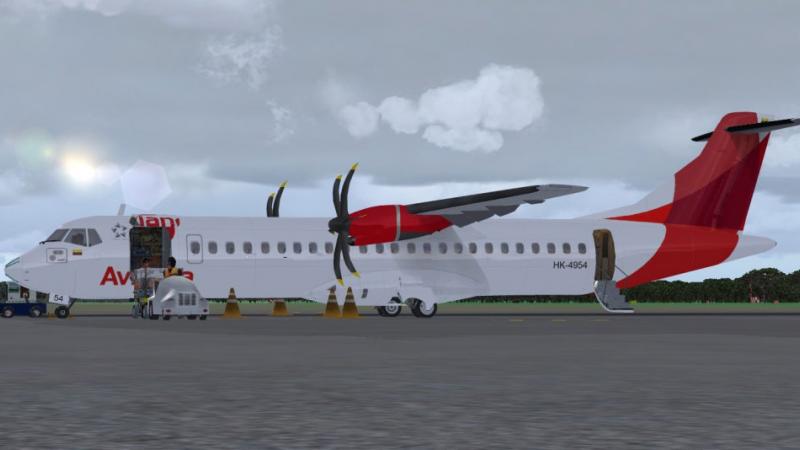
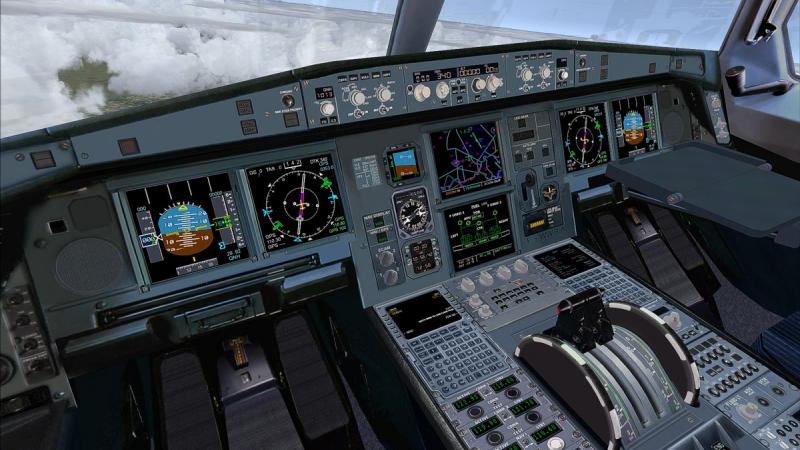
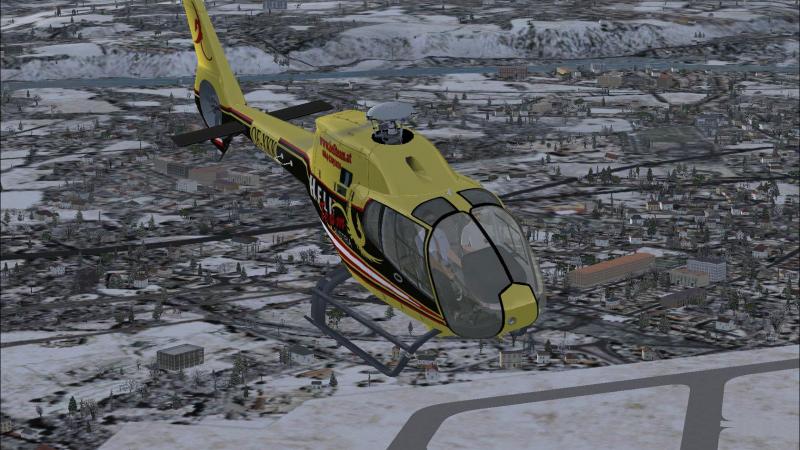
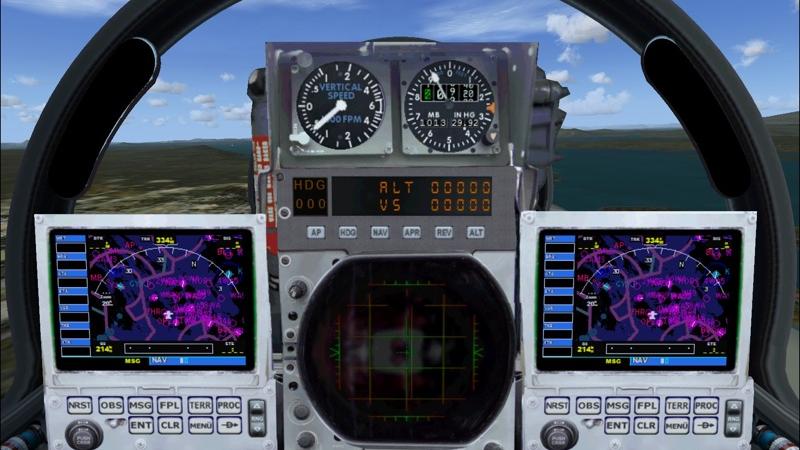
 Browse the huge selection of top quality payware aircraft for Microsoft Flight Simulator X, Microsoft Flight Simulator 2004, Prepar3D and X-Plane. Covering some of the big developer names including Just Flight, Carenado, Alabeo and A2A Simulations - you can be sure to find an aircraft addon that's right for you. We have large jet passenger aircraft, light general aviation props, military fighters and even ultra-lights and helicopters. Most of the aircraft are downloadable - which means that you don't have to wait for delivery after your purchase - just download directly to your computer after payment. However, we do also sell some boxed products (you'll have to wait for delivery of the physical item).
Jump straight to:
View the Aircraft category...
Scenery
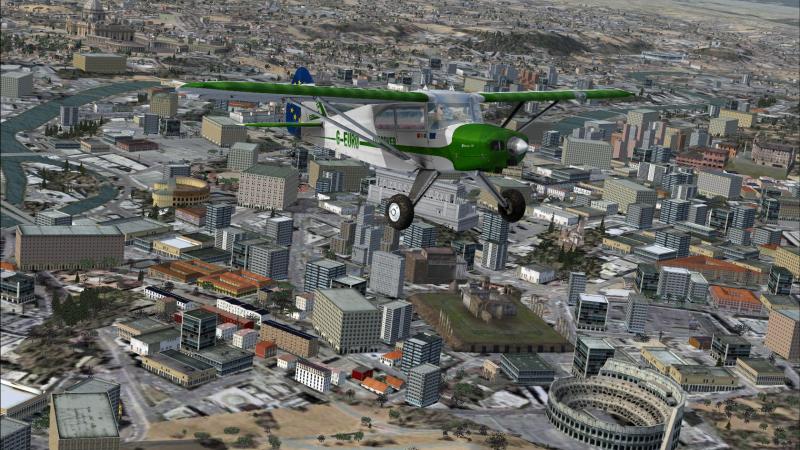
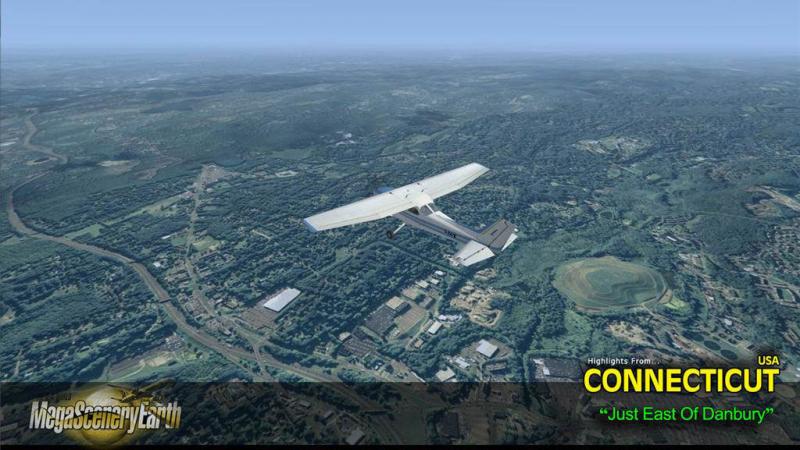
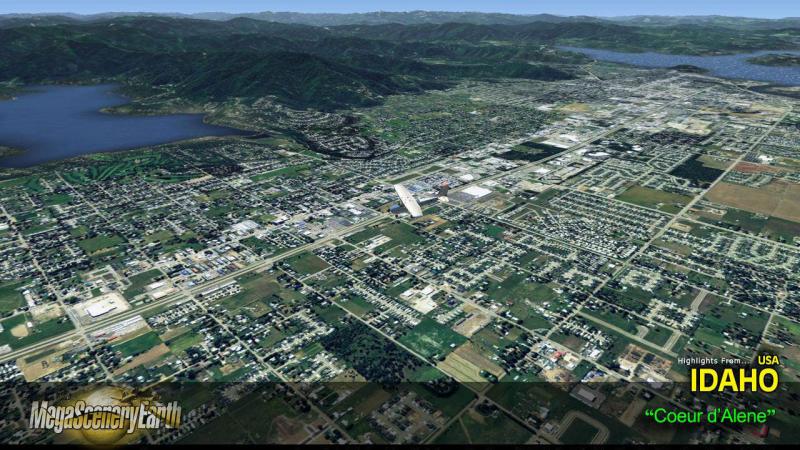
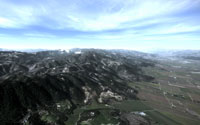 Improving the scenery in your flight simulator package is a great way to expand and enhance your simulation experience. We stock many of the greats including the Megascenery packs, FScene addons and Vero-FS photoreal scenery, just to name a few. Our product range includes terrain enhancements, photoreal scenery, airport replacements and expansions, autogen enhancements and fixes, global terrain mesh/textures and many more. Our scenery packs are compatible with MSFS 2020, FSX/P3D and X-Plane.
Jump to:
View the Scenery category...
Utilities
 We don't just have aircraft and scenery expansions available - we have many utilities and tools too that can create a fun and realistic flight simulation environment. We cover tools that can help you manage your aircraft checklists, cockpit environment enhancements that can create realistic bouncing as you head down the runway, AI Traffic addons to bring your flight sim world to life and performance boosters that can improve your FPS.
View the Utilities category...
Sounds
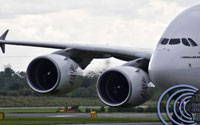
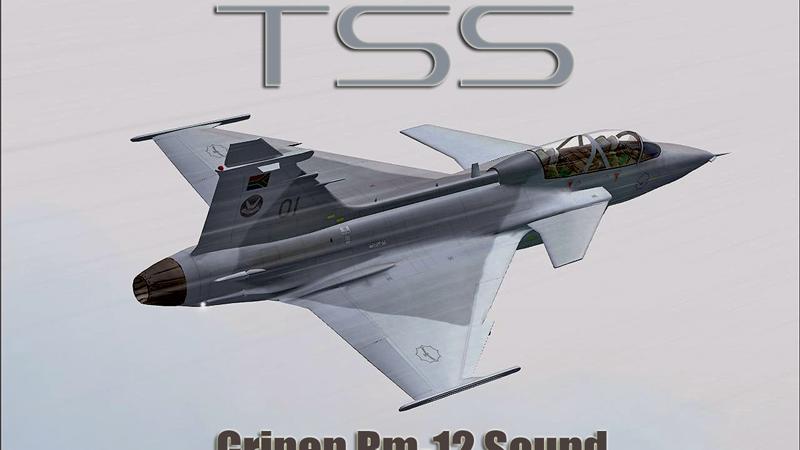
What you can hear is just as important as what you can see for a full flight simulation experience. Our sound packs can bring your aircraft to life with real recordings from the actual aircraft. Fully optimized with 3D sound cones (FSX) and many features that the default sounds cannot provide. Covering some of the big names including TSS, Turboprop Simulations and Flight1.
View the Sound category...
Boats
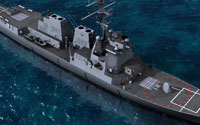 You don't have to just fly any more; you can captain some of the finest ships that have ever set sail! Featuring one developer dedicated to creating boats for flight simulation packages, Deltasim. Deltasim specialize in creating 3D boat models that can be used in FSX. Some of their addons include yachts, military boats, battleships, famous utility boats and many more.
View the Boats category...
Missions
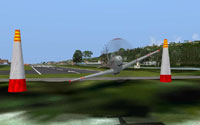 Microsoft Flight Simulator X introduced "missions" as a way of making your flight simulation experience more fulfilling and fun. Many developers have created mission and adventure packs of their own providing hours of endless fun. From seeing the wonders of the World to flying military missions from aircraft carriers, our mission packs are sure to liven up your flight sim experience.
View the Missions category...
Simulators
 You need a base to start with for all of these addons. In this section we stock stand-alone full simulation packages. You can get your hands on a copy of Microsoft Flight Simulator X, X-Plane, Aerofly FS and many more flight simulator platforms. You need one of these simulators in order to use the addons on our site. Most of our addons are compatible with Microsoft Flight Simulator X, although many developers are now adopting X-Plane.
Jump straight to:
View the Simulators category...
Training
 Most of us are just beginning in the flight simulation world. You may have had a trial flight at your local airfield and want to learn more about the technicalities of flying aircraft. Our training software titles from developers such as TopSkills, Aviation Tutorials Company and FSFlyingSchool help you to learn the basics (and advanced aspects) of flying an aircraft correctly. While these products are specifically designed for flight sim use, they also mirror some of the aspects used in real-world aviation. Learn navigation, how to talk to ATC, how to use the advanced functions of FSX and many other topics.
View the Training category...
Train-Sim
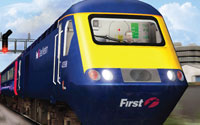 While we have a focus on flight sim, we also cover many Train-Sim addons and base packages. From full train simulators to routes and activities - you can find them here. The stand-alone train simulator packs are pretty fun to play around with. Our product range includes London Underground Simulator, Berlin Underground Simulator and of course the popular Train Simulator series (RailWorks).
View the Train-Sim category...
Other
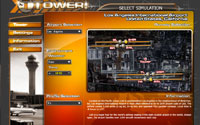 Our "other" section includes products that don't fit into any of the major categories on the site. Products included in this section include Control Tower Simulators, Truck simulators, in-flight map software for FSX, GMAX packs and more. You'll have to browse the section to see the full product range - if you can't find the product you're looking for in the categories above, please do check here too.
View the Other category...
Search
 If you know the product you're looking for (by name) or even the aircraft addon you want to browse (for example "Boeing 747"), then you will find our search feature handy. Try not to use too many keywords - for example if you're looking for a Boeing 737 add-on for FSX, try entering "737 FSX" or something similar - if you're looking for photoreal scenery for California, simply enter "california". You may need to refine your search to find exactly what you're looking for.